
Feature
Plant roles and readings
The plant phone sends the reading. The dispatcher approves it on Call-in.
The problem
The person who can see the silo is at the plant, not at the dispatch desk. They should be able to send tons and yards without being able to move trucks around the company.
What it is not
The plant phone does not dispatch, and a reading does not change the silo until someone who can dispatch approves it.
How it works
- 1
A plant login sees the plant phone: silos, pigs, today’s pour, and loads that are coming in.
- 2
They send the reading. Dispatch, pouring, and setup stay closed on that login.
- 3
Call-in lists what the plants sent. Approve it and the silo updates. Dismiss it and the board stays as it was.
- 4
A plant user is tied to their plant. They do not browse the rest of the fleet.
On the board
Demo Mix is a fictional company. The trucks are long-nose conventionals. Nothing on these screens is a real yard.
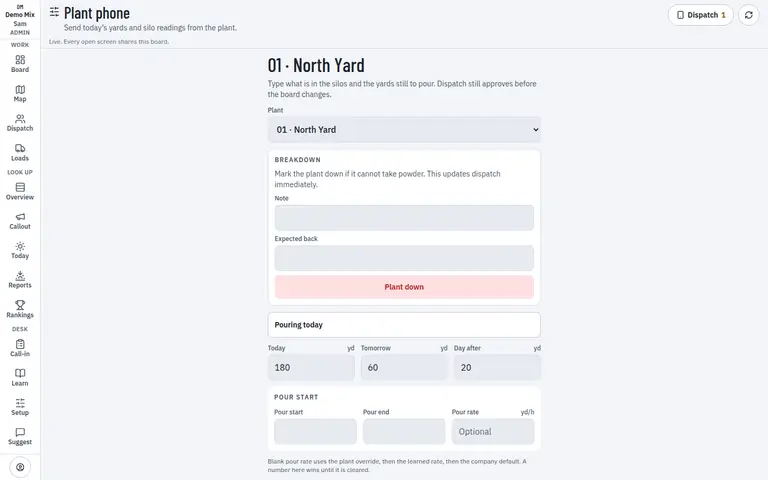
- 1. Send the reading
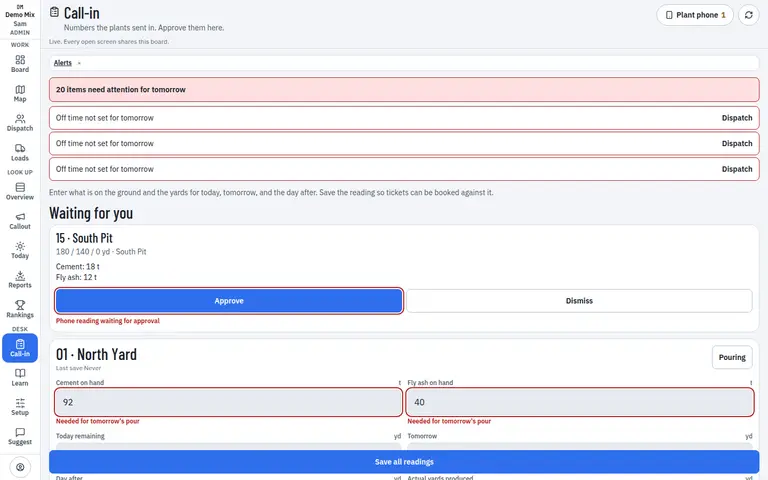
- 1. Approve or dismiss
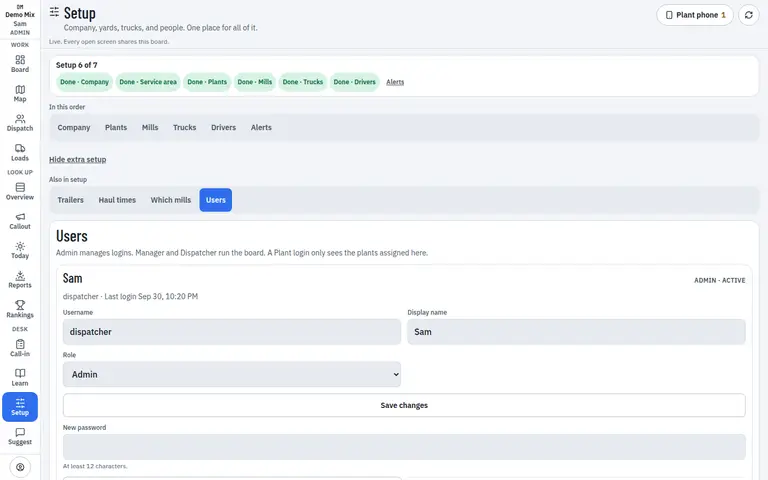
- 1. Plant role
Who uses it
- Plant
- Dispatcher
Works on
- Phone
- iPad
- Desktop
Questions
Can the plant dispatch a truck?
No. A plant login sends readings and can say the plant cannot hold a truck that is already coming. It does not assign the fleet.
What reaches the board immediately?
A reading waits for approval. Marking the plant as pouring, or saving the pour window from the plant phone, updates the board when that action says it does.