
Feature
Service area
The map and address search stay inside the circle this company serves.
The problem
A small fleet does not serve the whole country. Without a circle on the map, address search wanders off to a same-named street, and the map opens on a continent.
What it is not
The circle is the area you set for search and the map. It is not a fence on the truck, and it does not know where a driver is.
How it works
- 1
In Company setup, type a city, a town, or a ZIP and pick the suggestion.
- 2
Set the radius. Until you do, the default circle is 100 miles, and it is not saved until you pick the place.
- 3
The map opens on that circle when no plant or mill pin exists yet.
- 4
Address search prefers hits inside the radius.
On the board
Demo Mix is a fictional company. The trucks are long-nose conventionals. Nothing on these screens is a real yard.
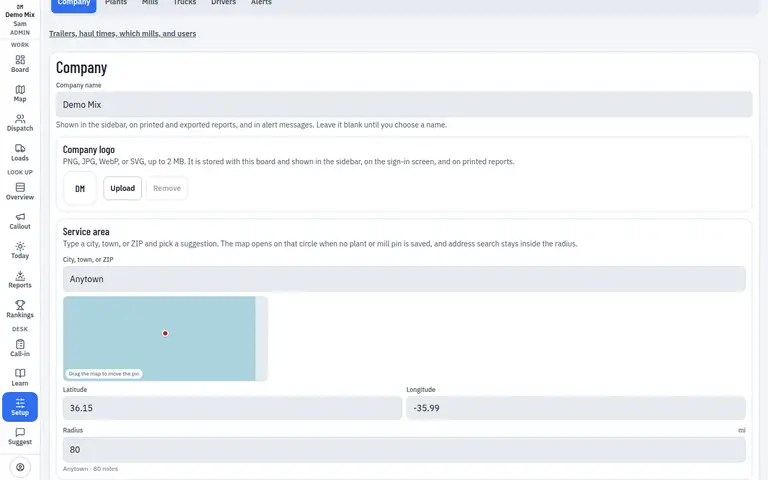
- 1. Service area
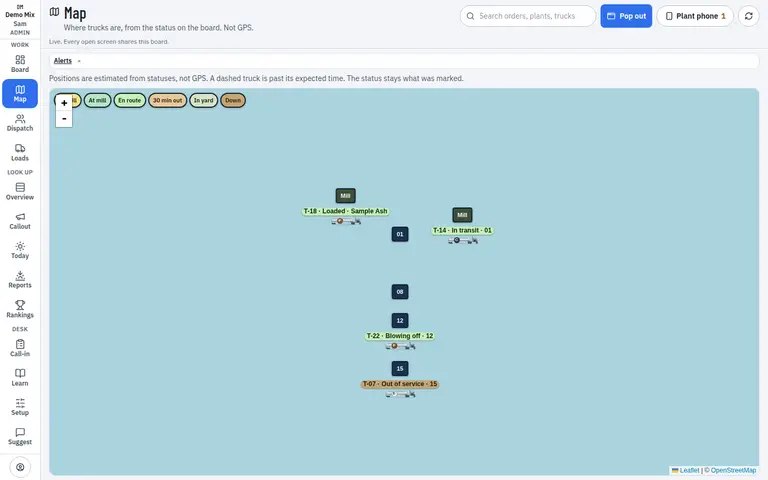
- 1. This company’s yards
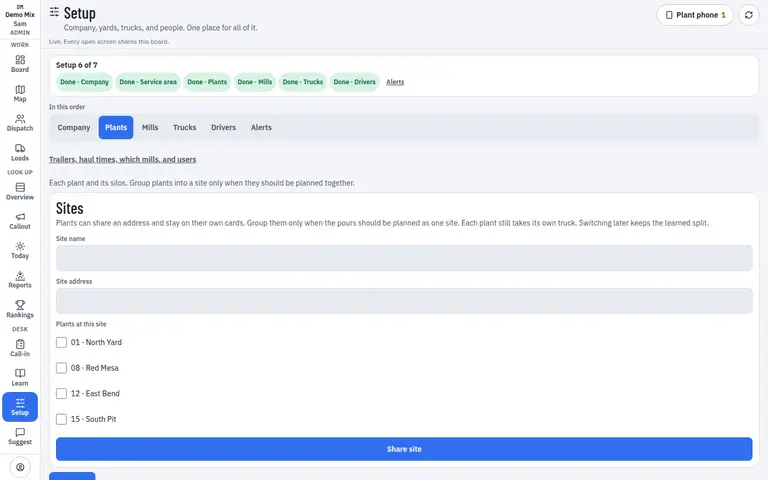
- 1. Address inside the circle
Who uses it
- Manager
- Dispatcher
Works on
- Phone
- iPad
- Desktop
Questions
Do I have to draw the circle on the map?
No. You pick a place and a radius. The circle is that.
What if I skip it?
The map uses the plant and mill pins you already saved, or a wide view. Search has nothing to stay near.