
Feature
Reports
End-of-day totals for the plants, and the afternoon report before you leave.
The problem
At the end of the day someone still asks how many tons moved and which plant took them. That should be the board you already ran, not a sheet you fill in after.
What it is not
Totals from the loads already on the board. It does not email a PDF. That is on the roadmap.
How it works
- 1
Reports add the plants for the day and the week.
- 2
The afternoon report is the check before the evening: what is left, what is stale, what is still coming.
- 3
Print it with the company name and logo.
- 4
A push can remind an open dispatch screen when that report is due. Emailing a PDF is still on the roadmap.
On the board
Demo Mix is a fictional company. The trucks are long-nose conventionals. Nothing on these screens is a real yard.
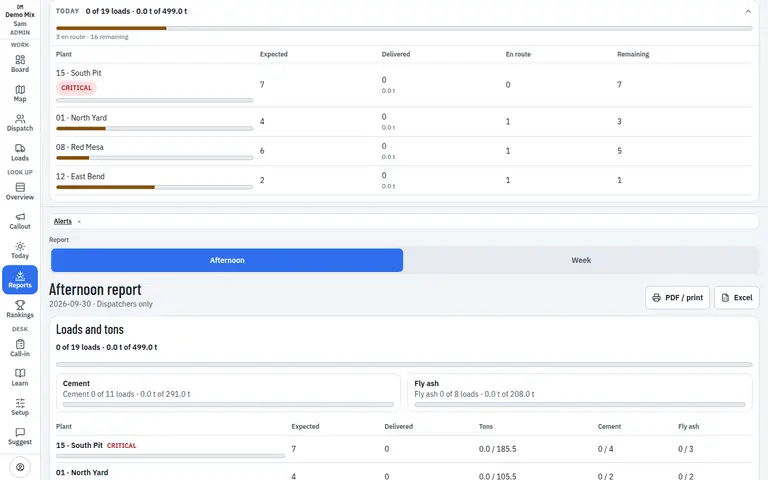
- 1. Tons for the plant
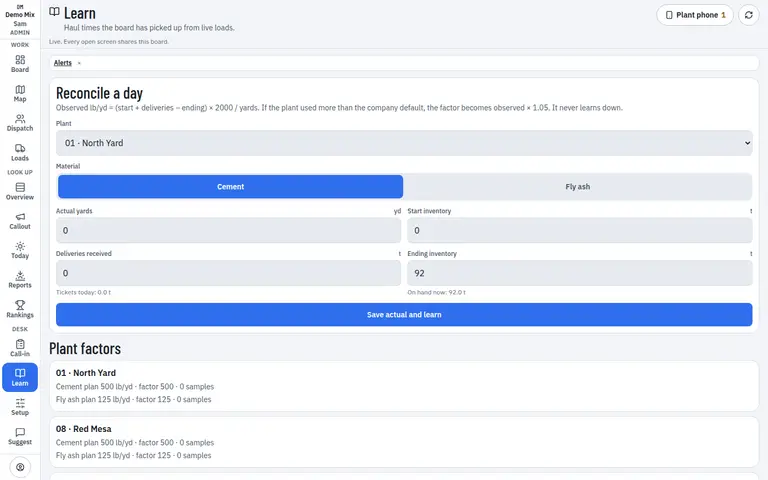
- 1. Delivered tons
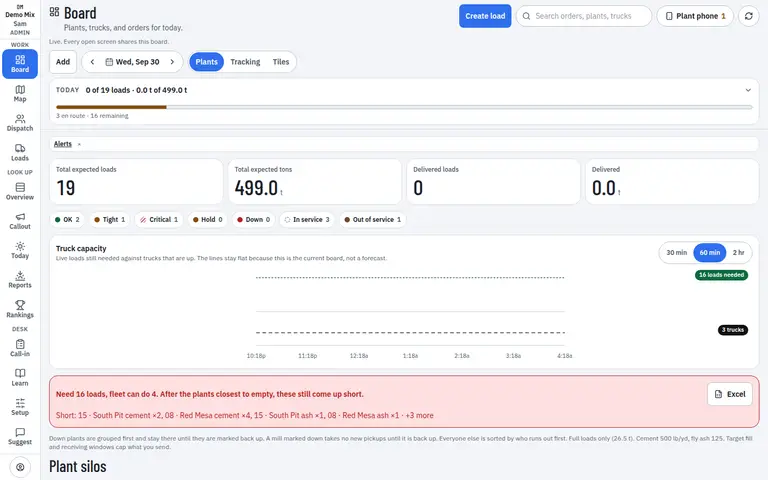
- 1. Silos the report checks
Who uses it
- Dispatcher
- Manager
Works on
- Phone
- iPad
- Desktop
Questions
Does this email me a PDF?
Not yet. You can print from the screen. A PDF or CSV in the inbox is on the roadmap.
Whose numbers are these?
This company’s loads. Another company on the same server is not in the total.